












Key Takeaways
- AI content detectors are a useful signal, not proof. OpenAI itself says these tools cannot reliably identify AI-generated text, so treat every score as a starting point for review.
- In the independent RAID benchmark, GPTZero and Grammarly score highest, both citing around 99% accuracy and both free to try.
- For schools, Turnitin keeps its false-positive rate under 1% and openly tells instructors never to act on its score alone.
- For publishers and content teams, Originality.ai and Winston AI pair AI detection with plagiarism checks on credit-based pricing.
- Always run flagged text through a second detector and a human read before you draw any conclusion.
A few months ago, a writer on our team sent over a blog post she had written by hand, start to finish. Out of habit, I dropped it into an AI detector before publishing. It came back flagged as 87% AI. She had not opened ChatGPT once.
That moment is the whole problem with AI content detectors in a nutshell. They are genuinely helpful when you want a quick read on whether text might be machine-written, but they are wrong often enough that you cannot treat a score as a verdict.
We tested the six detectors that bloggers, editors, and teachers reach for most, and below we break down where each one actually earns its place, what it costs, and when you should not trust it.
Are AI content detectors actually accurate in 2026?
Short answer: they are better than they were, but no detector is reliable enough to stand on its own. This is worth saying clearly before you pick a tool, because the marketing pages all shout about 99% accuracy and quietly skip the part where real text gets misjudged.
OpenAI, the company that builds ChatGPT, put it bluntly in its own guidance for educators. Even if these tools “could accurately identify AI-generated content (which they cannot),” OpenAI warned, they can unfairly penalize people who learned English as a second language or who simply write in a plain, formulaic style.
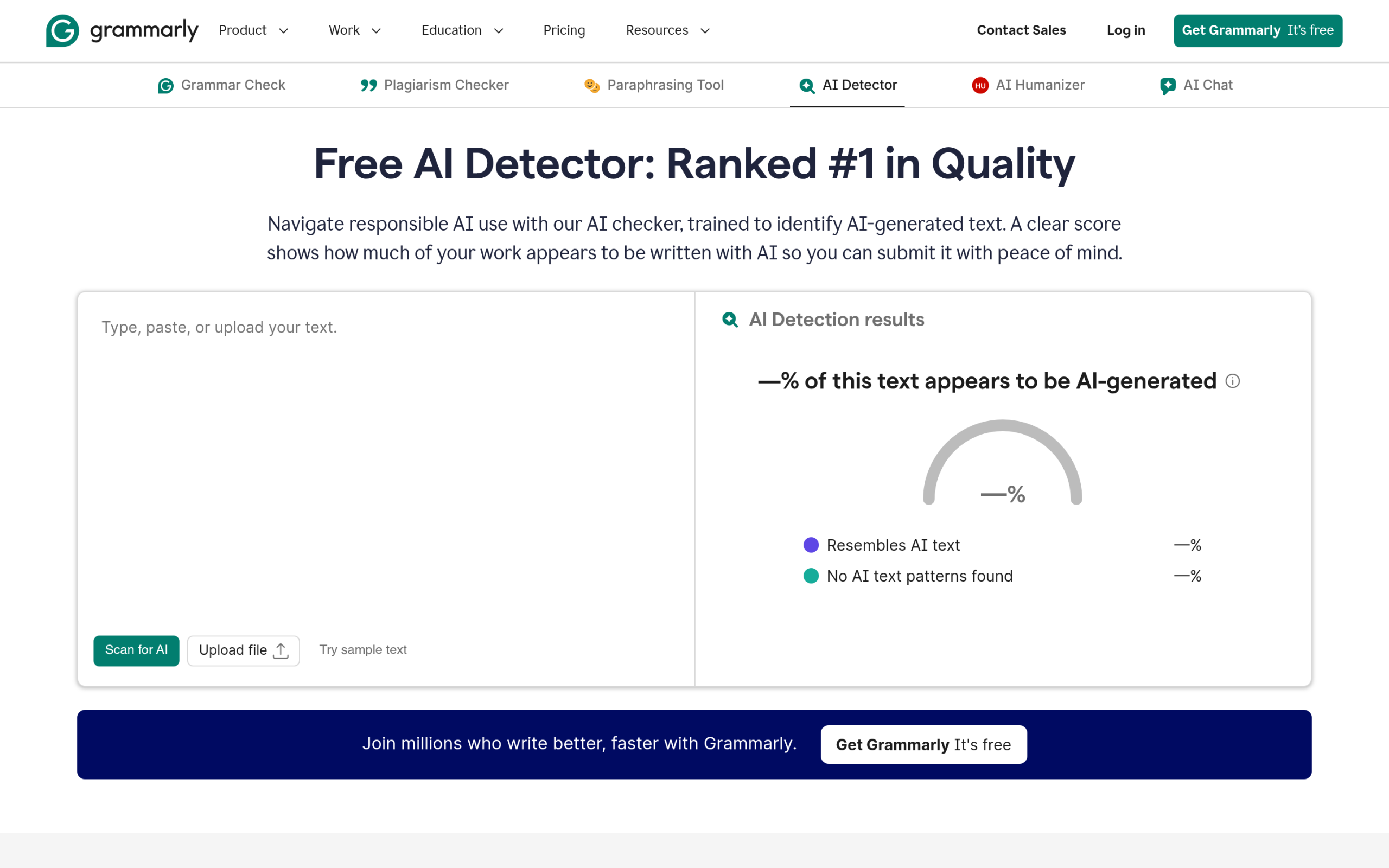
The vendors do not really disagree. Grammarly advertises 99% detection accuracy and a number-one ranking on the independent RAID benchmark, and then states on the same page that no AI detector is 100% accurate and that its tool “should never be used as a standalone verification method.” Turnitin, used by thousands of schools, goes a step further: it stopped showing a score when its AI reading lands between 1% and 19%, specifically to avoid false accusations, and it tells instructors the percentage “should not be used as the sole basis for action or a definitive grading measure.”
So the right way to use any tool below is as one input. A high AI score is a reason to look closer, ask questions, or check version history. It is not, on its own, evidence of anything.
How we tested these AI content detectors
We ran the same set of samples through each tool’s free or trial tier: a batch of fully human-written drafts, a batch generated by ChatGPT, Claude, and Gemini, and a mixed batch where AI text had been edited by a person. For each detector we looked at four things that matter in day-to-day use.
- How clearly it flags AI text without falsely flagging the human drafts
- What it costs once you move past the free tier
- Language support and whether it handles non-native English fairly
- Extras like plagiarism checking, team features, and integrations
Accuracy figures below are the numbers each company reports, with the source named, rather than a single score we invented. The most credible third-party reference point is the independent RAID benchmark, which both GPTZero and Grammarly cite.
The 6 best AI content detectors compared
Here is the quick comparison, then a closer look at each tool.
| Tool | Best for | Free option | Starting price | Standout |
|---|---|---|---|---|
| GPTZero | Educators, quick checks | Up to 10,000 characters per scan | Paid plans for higher volume | Sentence-level highlights, 95.7% on RAID |
| Winston AI | Multilingual teams | 2,000 credits, 14-day trial | About $10 to $18 per month | AI, plagiarism, and AI image detection |
| Copyleaks | Multilingual and LMS use | Free AI checker | Subscription for higher volume | Over 30 languages |
| Turnitin | Schools and universities | Institution access only | Institutional license | False-positive rate kept under 1% |
| Originality.ai | Publishers, bulk scanning | No free tier | $30 pay-as-you-go or $12.95/mo | Bulk scans plus plagiarism and team seats |
| Grammarly | Existing Grammarly users | Free AI detector | Free, Pro adds features | 99% accuracy, number one on RAID |
1. GPTZero
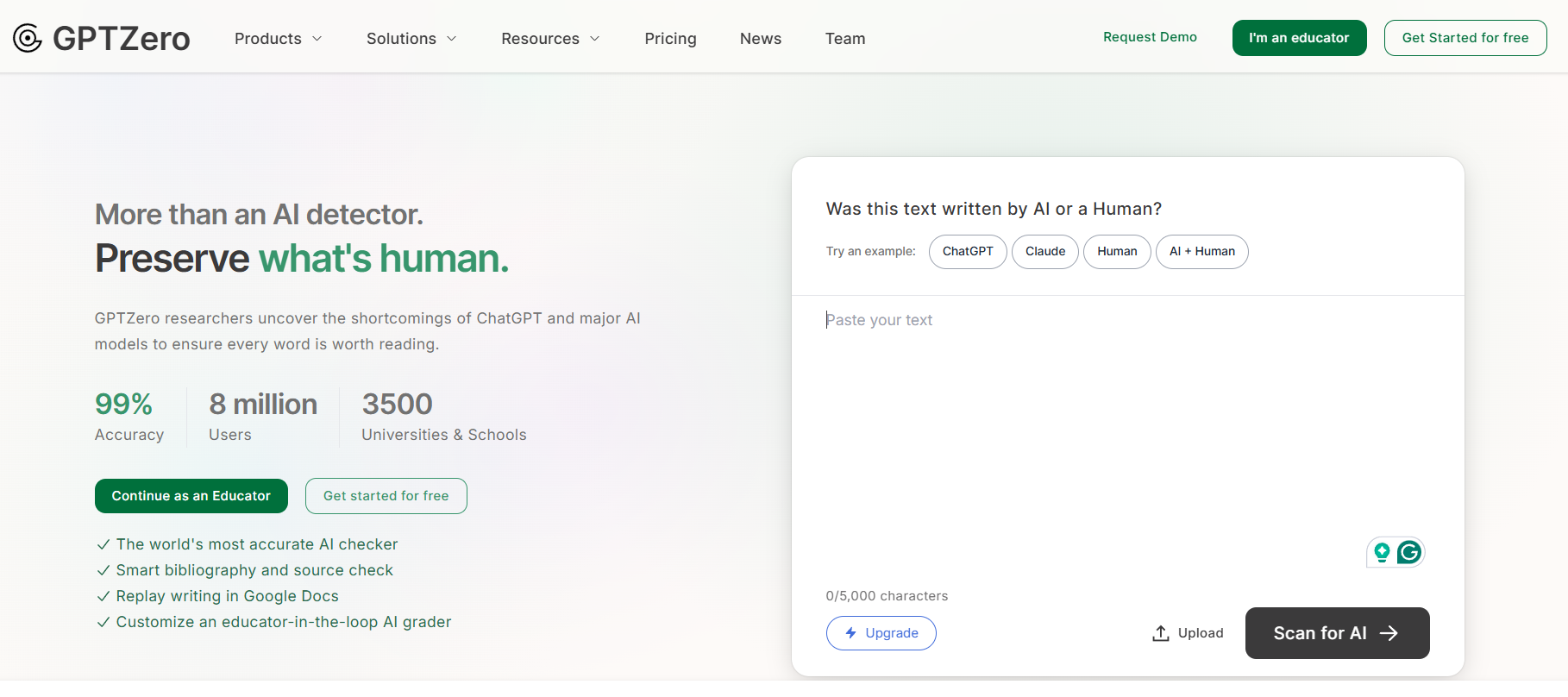
GPTZero is the tool most teachers and editors try first, and for good reason. It analyzes writing sentence by sentence and color-codes the parts it thinks were machine-written, so you can see exactly where a document raised a flag instead of getting one blunt percentage.
It detects text from the current generation of models, including ChatGPT, GPT-5, GPT-4, Gemini, Claude, and Llama. GPTZero reports 99% accuracy overall and 95.7% on the independent RAID benchmark, and it adds genuinely useful extras like a hallucination detector that flags fake citations. You can scan up to 10,000 characters per scan for free, with paid plans for higher volume.
Pros of GPTZero
- Sentence-level highlighting shows where the flag comes from
- Strong, independently benchmarked accuracy
- Generous free scan limit and a built-in hallucination checker
Cons of GPTZero
- Can flag clean, formal human writing as AI
- Heavily edited AI text is harder for it to catch
2. Winston AI
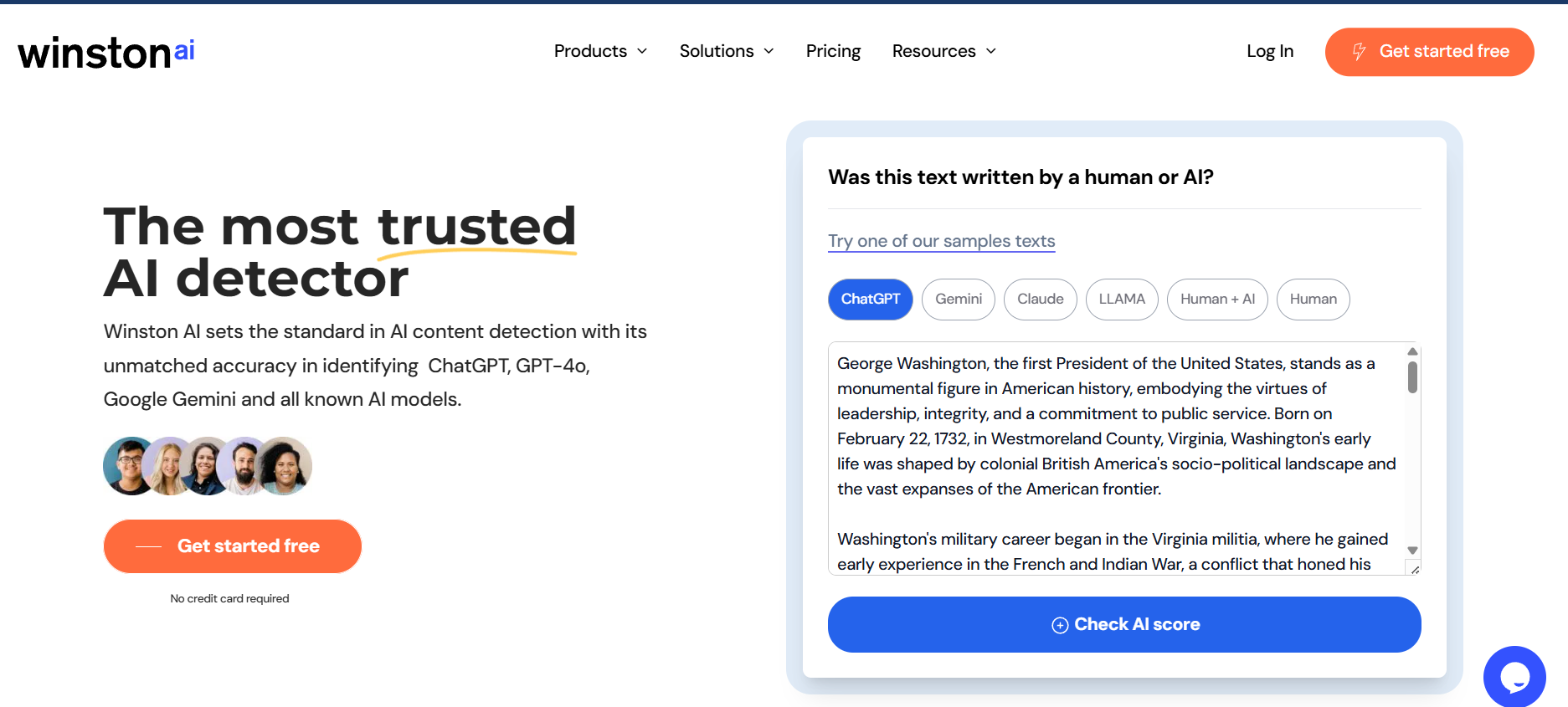
Winston AI is a good fit for teams that work across languages and want more than text detection in one place. It flags content from ChatGPT, Claude, Gemini, Llama, and Jasper, and supports English, Spanish, German, Portuguese, Italian, Dutch, and more.
It runs on a credit model, roughly one credit per word for AI detection, and the same account also handles plagiarism checks and AI image detection. There is a free tier with 2,000 credits and a 14-day trial, after which paid plans run from about $10 to $18 per month depending on whether you pay annually or month to month.
Pros of Winston AI
- Detects several major models and supports many languages
- Combines AI detection, plagiarism, and image checks in one tool
- Clear, beginner-friendly interface with a real free trial
Cons of Winston AI
- Heavy users can burn through credits quickly
- Like every detector, it produces the occasional false positive
3. Copyleaks
Copyleaks stands out if your content is not all in English. It supports over 30 languages and specifically advertises low false-positive rates for non-native English writing, which is the exact group OpenAI warned other detectors tend to penalize.
It detects text from models like ChatGPT, GPT-5, and Gemini, and it is built to plug into learning management systems, so schools and universities can run checks inside the tools they already use. A free AI checker is available, with subscriptions for higher volume.
Pros of Copyleaks
- Over 30 languages with a focus on multilingual accuracy
- Fairer handling of non-native English writing
- Integrates with learning management systems
Cons of Copyleaks
- The interface has a learning curve for first-time users
- Full features sit behind a subscription
Also Read: if you want AI working for you rather than just policing your content, our guide to the 12 best AI WordPress plugins and free tools shows where AI genuinely helps a site.
4. Turnitin AI
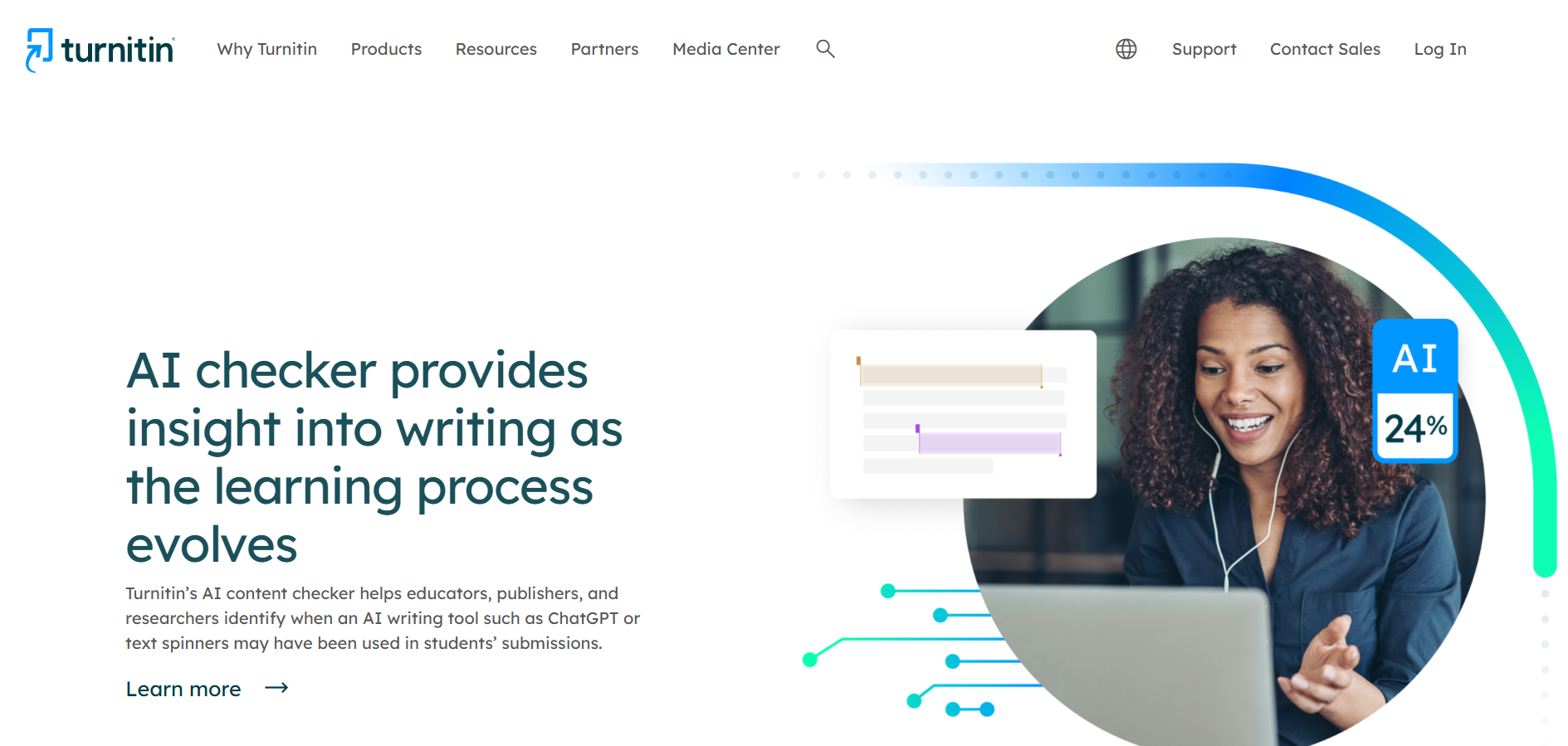
Turnitin is the detector built for academia. It is known for plagiarism checking, and its AI writing indicator now sits inside the same Similarity Report that instructors already use, giving a percentage estimate of how much of a submission may be AI-written.
What sets Turnitin apart is how cautious it is. To keep its false-positive rate under 1%, it does not even show a score when AI detection lands between 1% and 19%. And it is explicit that the percentage “should not be used as the sole basis for action or a definitive grading measure.” That honesty is a feature, not a weakness, when a wrong call can affect a student’s record.
Pros of Turnitin AI
- Built into the plagiarism workflow schools already run
- Deliberately conservative to protect against false positives
- Trusted and widely adopted across institutions
Cons of Turnitin AI
- Only available through an institutional subscription
- Does not pinpoint the exact AI-written portions
5. Originality.AI
Originality.ai is aimed squarely at content publishers and agencies that need to scan a lot of text and track who checked what. It combines AI detection with full plagiarism scanning, so a single pass tells you whether content is both original and human-written.
Pricing runs on credits, where one credit covers 100 words. You can start with a $30 pay-as-you-go pack of 3,000 credits, or take the Pro plan at $12.95 per month billed annually for 2,000 monthly credits, with extra team seats available. There is no free tier, which tells you it is built for people scanning at volume rather than the occasional one-off check.
Pros of Originality.AI
- Combines AI detection and plagiarism in one scan
- Team seats and scan history suit publishing workflows
- Flexible pay-as-you-go option with no recurring fee
Cons of Originality.AI
- No free tier to test before you buy credits
- Very short passages can produce shaky results
Also Read: creating visuals as well as text? Our guide on how to generate AI images in WordPress walks through making original artwork without stock photos.
6. Grammarly
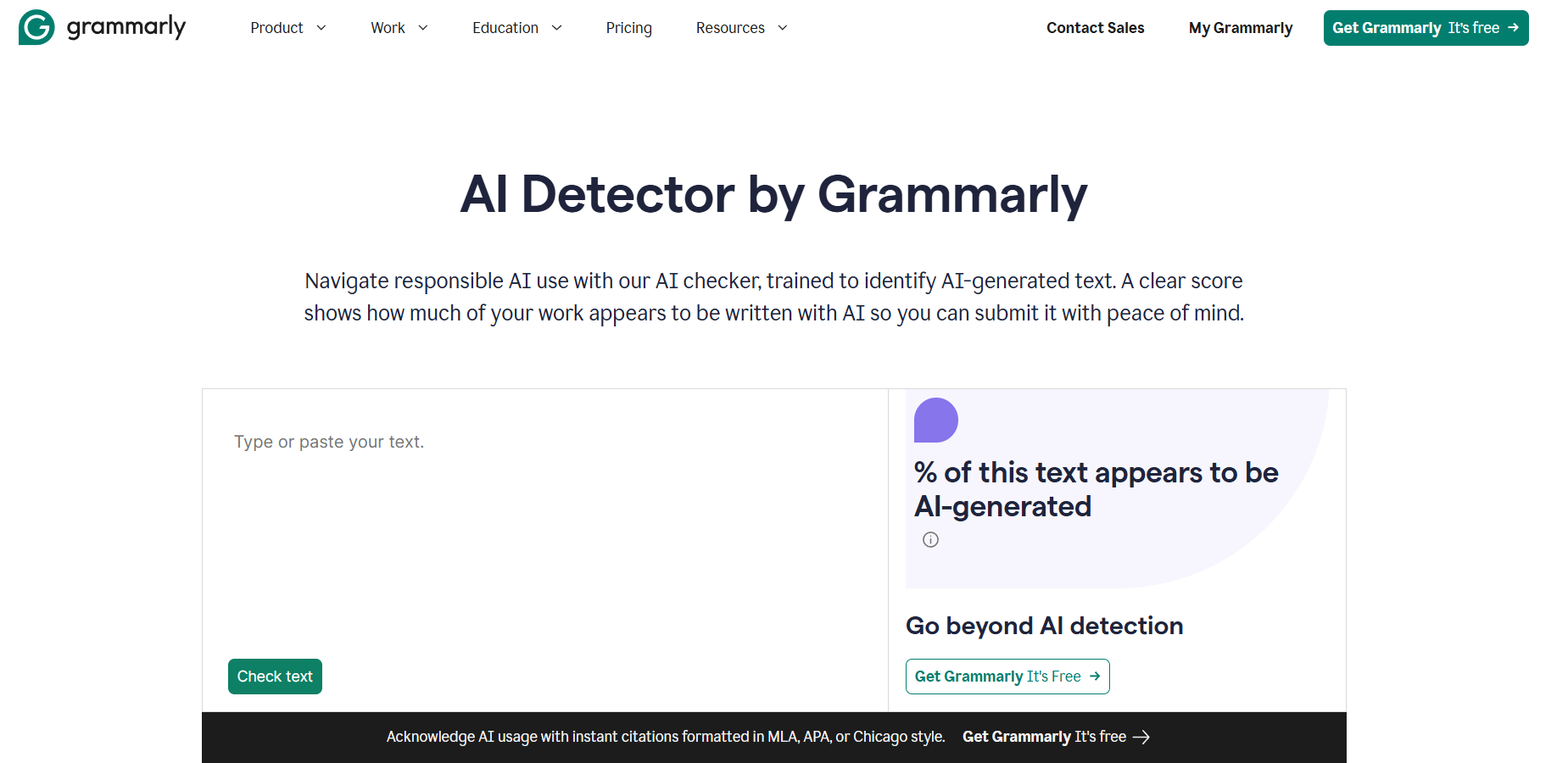
Grammarly added a free AI detector to the writing assistant millions of people already keep open all day, which makes it the easiest option to fold into an existing routine. It detects text from ChatGPT, Gemini, and Claude, segments the document, and analyzes each section rather than scoring the whole thing at once.
Grammarly claims 99% detection accuracy and the number-one spot on the independent RAID benchmark, which ties it with GPTZero at the top for raw accuracy. To its credit, it pairs those claims with the clearest disclaimer of any tool here: no AI detector is 100% accurate, and it should never be the only thing you rely on. Pro subscribers get an AI detector agent that flags specific phrases and offers one-click rewrites.
Pros of Grammarly
- Free to use and built into a familiar workflow
- Top-tier accuracy on the independent RAID benchmark
- Honest, prominent guidance about its own limits
Cons of Grammarly
- Advanced detection features sit behind a Pro plan
- Detects fewer model families than some rivals
Also Read: want AI helping your rankings instead? See the 5 best WordPress SEO plugins using AI for tools that improve content rather than just grade it.
How AI content detectors actually work
Knowing what is happening under the hood helps you read these scores sensibly. Most detectors look for two things that tend to separate machine text from human text: predictability and rhythm.
The first is sometimes called perplexity. AI models pick the most probable next word, so machine text tends to be smoother and more predictable than the slightly surprising choices people make. The second is burstiness, the natural variation in sentence length and structure. Human writing tends to mix short and long sentences, while AI output is often more uniform. Detectors are trained on large sets of human and AI text and turn these patterns into a probability score.
The catch is that the same signals that flag AI also describe a lot of careful human writing. Formal, concise, or formulaic prose looks predictable and even, which is exactly why clean drafts and non-native English get flagged. It is also why detectors struggle with very short text and with AI content that a person has edited by hand.
What to do if your content gets wrongly flagged
Because false positives are common, it helps to have a calm process ready before one happens to you or someone on your team.
- Run the same text through a second detector. Agreement between two tools is far more meaningful than one score.
- Keep your drafts. Version history in Google Docs or your editor is the strongest proof that a human wrote something over time.
- Look at what got flagged. If it is a formal or list-heavy section, that is a classic false-positive pattern, not evidence of AI.
- Add a human read. A person who knows the writer’s voice will catch what an algorithm cannot.
Pair authentic content with a fast WordPress toolkit
Detecting AI is only half the job. Once you are confident your content is genuine, readers still judge your site on speed, design, and how easy it is to use. That is where a solid WordPress foundation matters.
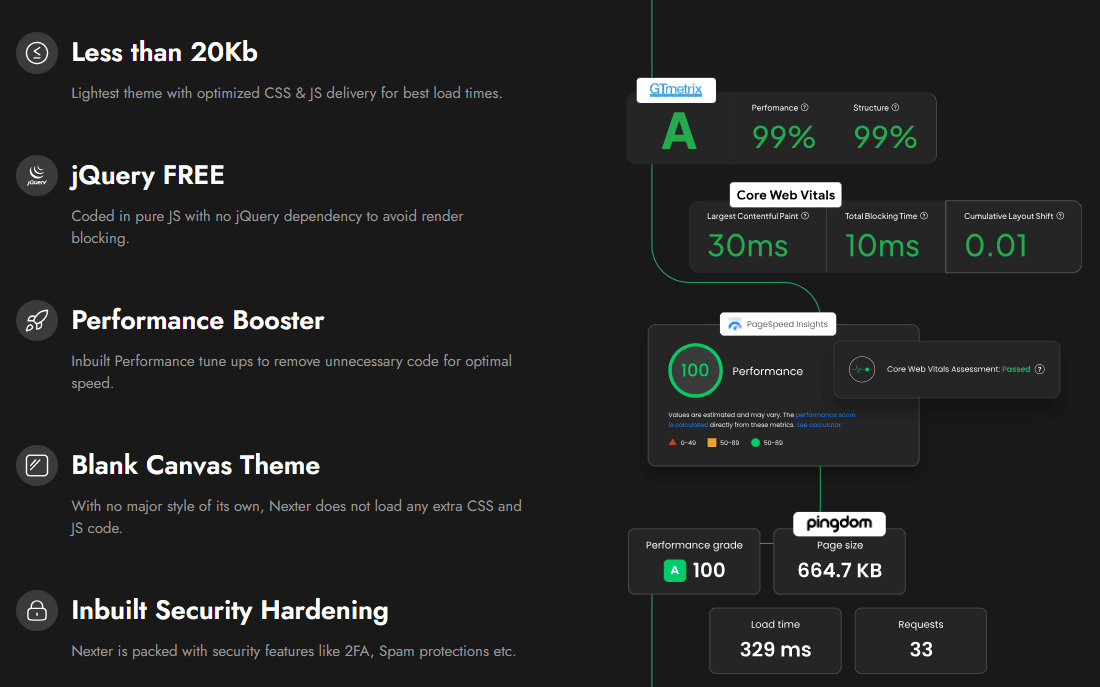
Nexter is a fast WordPress theme and block toolkit that helps bloggers, creators, and business owners build professional sites without bloated code. The theme is built with pure vanilla JavaScript and no jQuery, and the block library gives you the building blocks to publish quickly.
- Built for Core Web Vitals and clean performance
- Works well alongside AI-assisted content workflows
- Flexible header and footer builders plus global styles
- 90+ Gutenberg blocks, with a free version on WordPress.org
Want authentic content on a high-performing site? Nexter makes it simple, even with AI-assisted workflows.
Wrapping up: which AI content detector should you pick?
Every detector here fits a different job. Here is the short version.
Choose GPTZero for education and quick editorial checks. Sentence-level highlighting and strong RAID benchmark scores make it the best general-purpose pick.
Choose Winston AI if you work across languages and want AI, plagiarism, and image detection in one credit-based account.
Choose Copyleaks for multilingual content and learning-management-system integration, especially where non-native English writing needs fair treatment.
Choose Turnitin if your institution already runs it. The conservative scoring and built-in plagiarism workflow are made for academic use.
Choose Originality.AI if you run a publishing operation and need bulk scanning, team seats, and plagiarism checks together.
Choose Grammarly if your team already lives in Grammarly and wants a free, accurate detector built into the workflow.
Whichever you pick, remember the one rule that every honest vendor on this list agrees with: use the score as a signal, confirm it with a second tool and a human read, and never let a percentage be the final word.
If you publish on WordPress, Nexter Blocks gives you 90+ Gutenberg blocks to build fast, high-quality pages. For Elementor users, The Plus Addons for Elementor adds 120+ widgets and extensions. Need ready-made layouts? WDesignKit has thousands of free WordPress templates to speed up your builds.
Suggested reading
- 12 Best AI WordPress Plugins and Free Tools: where AI genuinely helps you build and run a site.
- 5 Best WordPress SEO Plugins Using AI: AI tools that improve content and rankings.
- How to Generate AI Images in WordPress: make original visuals without stock photos.
- E-E-A-T for AI Search: how WordPress sites earn trust from Google AI, ChatGPT, and Perplexity.
FAQs on Best AI Content Detectors
What is an AI content detector?
An AI content detector is a tool designed to analyze text and determine whether it was generated by an artificial intelligence (AI) model, such as ChatGPT or GPT-4, or written by a human. These tools help ensure the authenticity of content by identifying AI-generated text.
How do AI content detectors work?
AI content detectors work by analyzing the structure, wording, and patterns in the text. They compare the writing to known characteristics of AI-generated text, such as repetitive phrasing, overly formal language, or unusual sentence structure. Some tools use machine learning algorithms trained on large datasets of both AI and human writing.
Are AI content detectors 100% accurate?
No, AI content detectors are not perfect. They may produce false positives (labeling human-written text as AI-generated) or false negatives (failing to detect AI-generated text). The accuracy of these tools can vary, so it’s best to use them as a part of your overall content verification process.
Can AI content detectors be used for any type of text?
Yes, most AI content detectors can be used for a wide range of text types, including essays, articles, blog posts, and even social media content. However, some detectors may be better suited for specific types of content, such as academic writing or short-form content.
Do AI content detectors identify specific AI-generated sections?
Some AI content detectors provide an overall percentage of AI involvement in the text but do not highlight the specific sections that were generated by AI. This means you may need to manually review the content to identify the exact parts flagged as AI-generated.
Are there free AI content detector tools?
Yes, there are free AI content detector tools available. However, they may have limitations, such as fewer features, limited word count, or less accurate results compared to paid tools. Many paid tools offer more in-depth analysis and additional features like plagiarism detection.
Can AI content detectors detect all types of AI-generated text?
Most AI content detectors are designed to identify text generated by popular AI models like GPT-3, GPT-4, and others. However, as AI models continue to evolve, detectors may need regular updates to accurately detect newer writing styles and formats.
Do AI content detectors work for non-English text?
Some AI content detectors support multiple languages and can detect AI-generated content in languages other than English. However, the effectiveness of these detectors can vary based on the language and the tool’s capabilities.
What should I do if an AI content detector flags my content as AI-generated?
If an AI content detector flags your content as AI-generated, it’s essential to review the results carefully. You can try rewriting certain sections, using a more natural tone, or running your content through multiple detectors for confirmation. If you’re using AI for content generation, consider editing the text to make it more human-like.
What methods do the leading AI detectors use to identify synthetic text?
These tools use machine learning models to spot patterns common in AI writing. They examine repetition, phrasing, and inconsistencies not usual in human writing.
Can AI-generated content be reliably identified without human intervention?
Detection tools can spot AI content with reasonable accuracy, but no method is perfect. Combining software results with human review gives better confidence.
